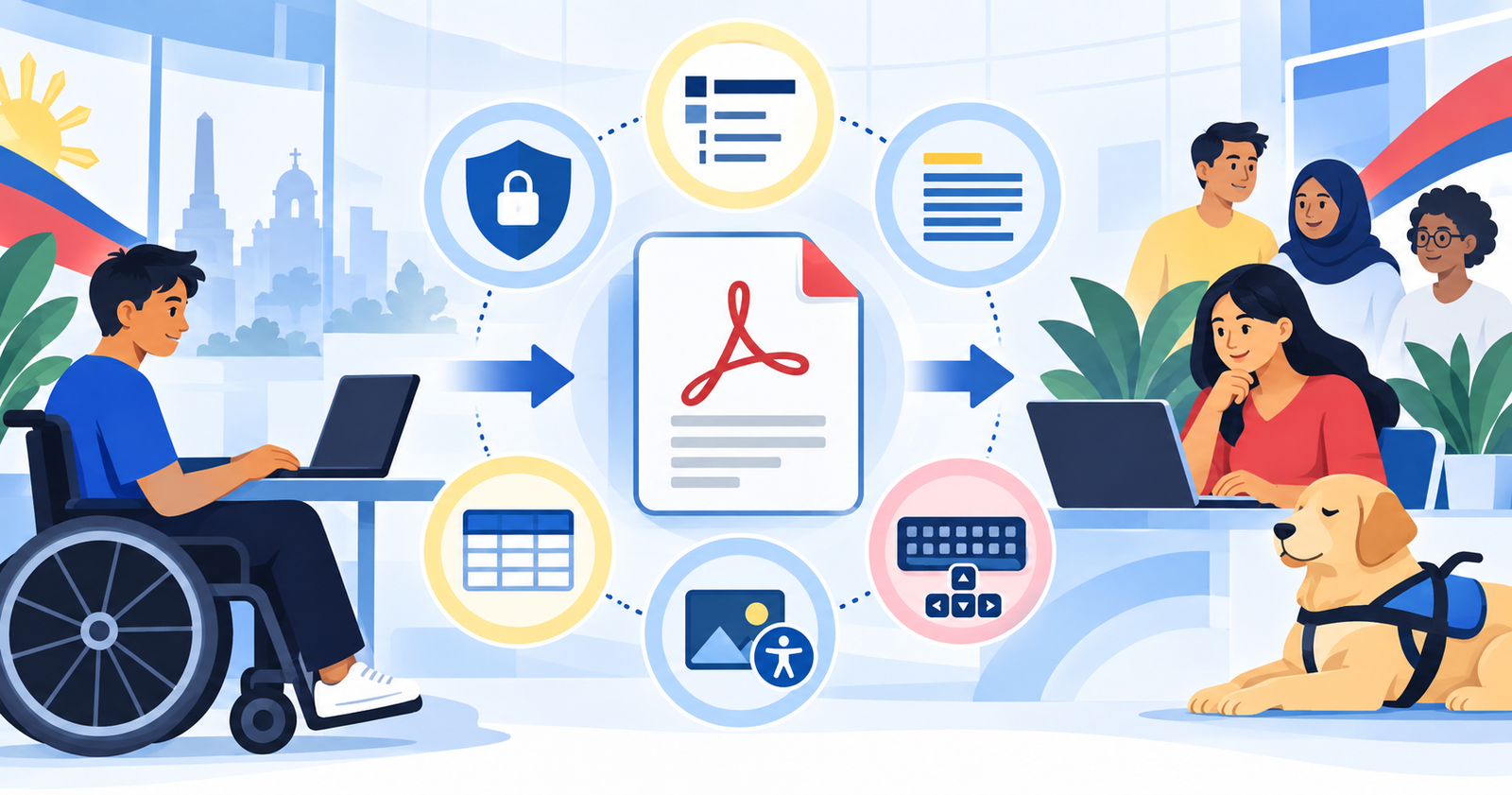
# Free PDF Accessibility Checker Developed in the Philippines
PDF files remain one of the most common barriers on Philippine websites. A document may look complete on the screen while presenting only a confusing stream of text—or no readable text at all—to a person using a screen reader. Scanned memoranda, procurement documents, application forms, reports and learning materials can also have missing headings, incorrect reading order, unlabelled tables and images without descriptions.
[Check PDF Accessibility](https://checkpdfaccessibility.com/?utm_source=pwag&utm_medium=referral&utm_campaign=launch_articles) is a Philippine-made public pilot created to help website owners take the first practical step. It provides a free PDF accessibility audit, explains detected issues and allows the user to try automated remediation.
## Why accessible PDFs matter to Philippine websites
The PWAG Web Design Accessibility Recommendation checkpoints identify inaccessible PDF files and non-linear document formats as access barriers. PWAG has also long emphasized that automated validation must be accompanied by visual and manual evaluation. These principles remain relevant: software can detect and repair many technical properties, but it cannot determine every aspect of meaning and usability.
– [Read the PWAG Web Design Accessibility Recommendation checkpoints](https://www.pwag.org/recommendations/web-design-accessibility-recommendation-checkpoints/)
– [Learn how PWAG approaches website evaluation](https://www.pwag.org/website-evaluation/)
## Accessibility features of the service
### A private first check
The initial audit runs in the browser. The selected PDF stays on the user’s device during this stage. The document is uploaded only when the user explicitly chooses automated remediation.
### A clear accessibility score and issue list
The audit presents an accessibility-preparation score, category results and a checklist of detected barriers. The score is explained as an estimate of machine-detectable preparation. It is not presented as a WCAG, PDF/UA, Section 508 or legal certificate.
### Inspection of important PDF properties
The service can examine properties such as the document title, primary language, tagged-PDF declaration, structure tree and other technical foundations. It also reports areas that require human judgment, including reading order, heading hierarchy, alternative-text accuracy and complex tables.
### Free automated remediation
With the user’s permission, the service can prepare a new PDF by adding or improving technical accessibility features. Depending on the document, this may include searchable text for scanned pages, document metadata, semantic structure, headings, lists, table headers and bookmarks.
The user can see the remediation progress and compare the preparation score before and after automation. The remediated file and reports can then be downloaded for review.
### Honest limits and a route to human review
No automatic tool can confirm that a description accurately communicates an image, that a complicated table makes sense, or that the reading order matches the author’s intent. The service therefore separates machine-verified properties from items requiring review.
A future Deaf-led expert service is also being prepared for documents that need OCR proofreading, manual tag correction, alternative-text review and assistive-technology testing.
### An accessible interface
The website includes labelled controls, keyboard operation, visible focus, responsive layouts, English and Filipino language choices, a dark theme and progress announcements. Instructions remain available as text even when icons are used visually.
## Automation begins the process
An automated result can reveal problems that would otherwise remain hidden, but remediation should end with people. A reliable workflow includes:
1. Automated inspection.
2. Automated preparation where appropriate.
3. Manual review of structure and meaning.
4. Keyboard and screen-reader testing.
5. Review by people with disabilities.
This combination reflects the distinction PWAG makes between automated and manual evaluation. Technology can make accessibility work faster; human reviewers decide whether the information is actually usable.
## Try the free public pilot
Website owners, government offices, schools, organizations and content publishers can try the service at [checkpdfaccessibility.com](https://checkpdfaccessibility.com/?utm_source=pwag&utm_medium=referral&utm_campaign=launch_articles).
Keep the original document, review every generated result and use the technical report to plan the remaining manual work. Feedback from public-pilot testers will help improve the service for Philippine users.
**Hashtags:** #WebAccessibilityPH #PDFAccessibility #DigitalAccessibility #WCAG #PDFUA #InclusivePhilippines #PWAG